
Microsoft Project & Planner: Plan and Organize Your Projects

Course content
Course overview
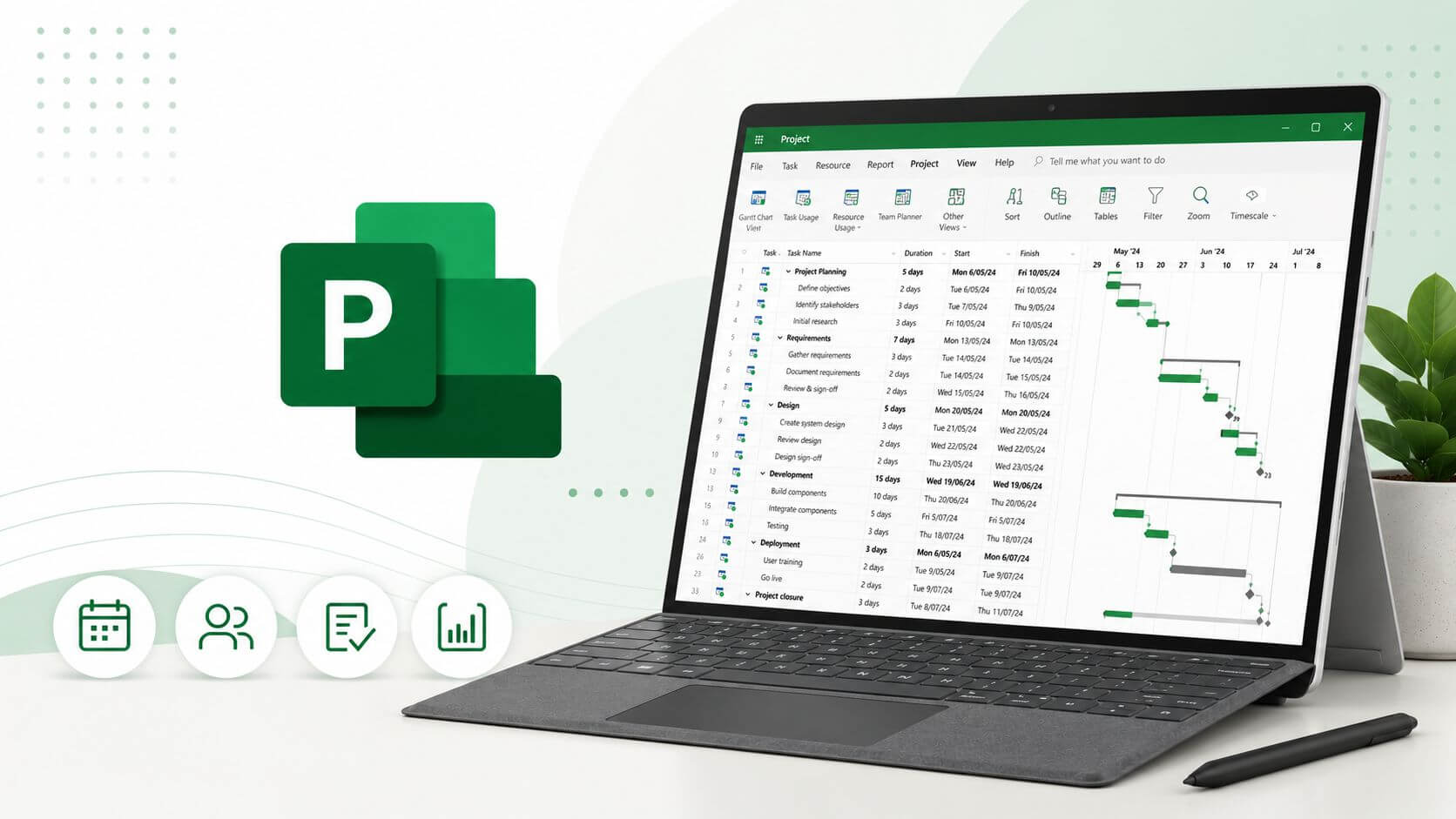
This course on “Microsoft Project & Planner: Plan and Organize Your Projects” connects essential concepts to practical applications. It helps you build a structured understanding of the subject and choose an approach suited to the situations covered.
Skills and topics covered
• calendars and task creation
• links, dependencies and critical path
• organizing work in Planner
• reports and progress tracking
Who is this course for?
Beginners, coordinators and professionals who want to organize projects using a clear method.
Prerequisites
No formal project management experience is needed. A work situation or project idea helps with the exercises.
How you will learn
Connect each concept to a project situation: clarify a need, organize activities, identify risks and track results. Examples and exercises help compare options and justify decisions. Build your project delivery framework progressively.
After completing the course
You will be able to use the concepts and tools to structure a project situation, explain your choices and track key points. Exercises help turn concepts into useful documents and decisions.
Course content
The detailed programme will be published soon.
About the author
AI Skills Academy teaching team
wxdssd
Refund terms: confirm with the centre.
Totals include a base declared by the training center.